A virtual closet app with try-on should help you test the whole look.
Use the closet to choose the pieces and try-on to inspect the combination before you change.
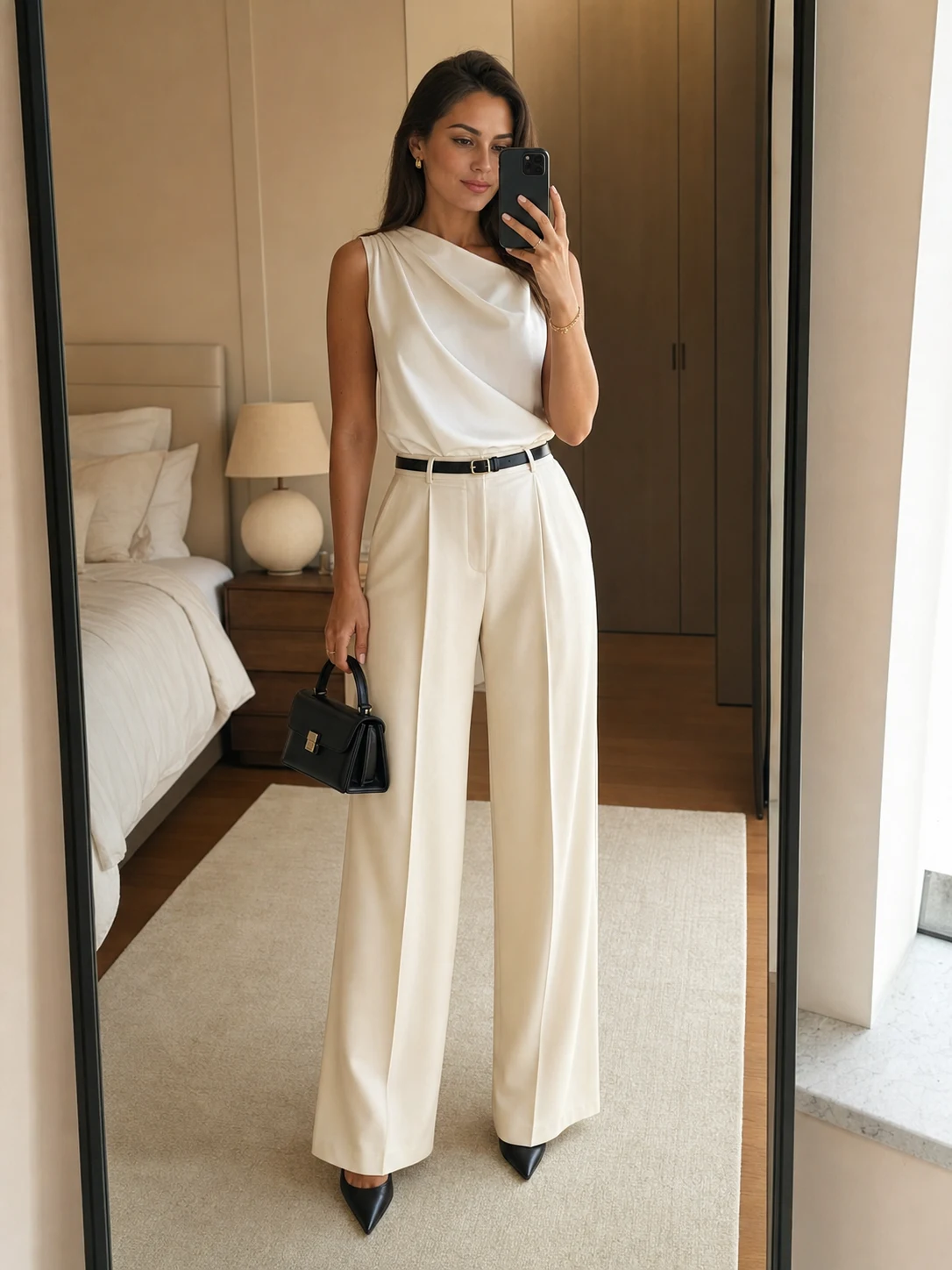
A closet keeps your clothes visible. Try-on gives you a quick way to look at a proposed combination before you change, take a mirror photo, or leave the house. The two features are useful together when the outfit comes from your wardrobe and the result answers a real question.
Three checks before you trust the preview
- Use your wardrobe. Confirm that the pieces came from your uploads, or that the app clearly labels anything else.
- Name the occasion. “Dinner outside” and “interview” give the recommendation a useful brief.
- Keep a next step. Save the look, compare two options, or ask a friend while the decision is still open.
Use try-on for proportion questions
Try-on helps you inspect questions that are hard to answer from a hanger: does a cropped layer balance a wide trouser, is the contrast too formal for the venue, and does the full silhouette feel coherent? The preview cannot tell you how fabric feels or how a garment fits while you move. Use it as one check before you get dressed.
The Outfitr workflow
Outfitr lets you upload photos of yourself or individual garments, ask the stylist for a recommendation, and see the outfit on you. When two looks are close, make a poll and let friends help decide. The closet, styling question, and second opinion stay together.
For setup, read what matters in a virtual closet. For the styling step, see how to test an AI stylist, or browse The Edit.
★ Available now
See the outfit before the decision.
Start with your closet, then use try-on as a useful preview.
Download Outfitr →